
Search for "website builder" and you'll drown in nearly identical browser platforms: Wix, Squarespace, Webflow, and a dozen others, all subscription-based, all hosting your site on their infrastructure, all excellent at marketing themselves. What that list quietly leaves out is a different category entirely: the native website builder — a real app on your Mac that produces a website you actually own.
If you're a Mac user choosing a website builder in 2026, that distinction matters more than any feature checklist. Here's an honest look at both models, and why we think the native approach — and Blocs specifically — wins for most independent creators and small businesses.
The two models, in plain terms
Browser platforms (Wix, Squarespace, Webflow, and friends) bundle three things into one monthly fee: a design tool, hosting, and the ongoing right to keep your site online. They're genuinely convenient — and that convenience is a lease. Stop paying, and your website ceases to exist.
Native builders like Blocs flip the model. You buy an app once. You design on your own machine. The app exports a complete, standards-based website — plain HTML, CSS, and JavaScript — that you can host anywhere, for as little as a few dollars a month, or move between hosts freely. The website is a file you own, not a service you rent.
Neither model is wrong. But they suit very different people, and the industry's marketing budget is overwhelmingly on one side.
What you gain with a native Mac app
Real performance, offline work
A native app uses your Mac's actual hardware instead of fighting a browser tab for memory. Scrolling a long page, dragging sections, editing on a large project — it all stays responsive in a way in-browser editors struggle to match. And because nothing lives in the cloud, you can design on a flight, at a cabin, or anywhere your laptop goes. Your project file is just a file: back it up, version it, duplicate it for experiments.
Static sites are faster — and safer
Blocs exports static pages: no database, no server-side code, nothing to hack and nothing to patch at 2am. Static sites load fast by nature, which visitors feel and search engines reward. There's a reason the modern web has been drifting back toward static architecture for a decade.
The five-year math
This is where the models really separate. A typical browser platform's business-tier plan runs $20–40 every month, forever. Over five years, that's $1,200–2,400 per site — and the meter never stops.
The native stack is front-loaded and then nearly free: the app is a one-time purchase, quality templates are $29–69 once, and static hosting is cheap or free. Five years in, a Blocs site has often cost less than one year of a platform subscription. Build sites for clients and the gap multiplies with every project.
What the browser platforms do better
Honesty makes this comparison useful, so: the hosted platforms have real advantages, and for some people they're decisive.
- Zero setup. No hosting to choose, no files to upload. If connecting a domain to a host sounds like a dealbreaker, the all-in-one model exists for you.
- Built-in extras. Platform-native e-commerce, memberships, and scheduling tools are convenient when you need exactly what's offered, within the plan limits.
- Any operating system. Browser tools run anywhere. Blocs is a Mac app — if your machine runs Windows, this whole category isn't available to you.
If none of those three points made you nod, the subscription is buying you very little.
Why Blocs, specifically
Within the native-Mac category, the Blocs website builder has earned its position as the standard-bearer. It pairs a genuinely visual, no-code canvas with the structure of the Bootstrap framework underneath, which means the sites it produces are responsive and standards-compliant rather than a soup of absolute positioning. It's approachable enough for a first website and deep enough — custom classes, interactions, CMS integrations — that you won't outgrow it by your fifth.
And because Blocs projects are built from reusable sections, it has something browser platforms can't really offer: a genuine template ecosystem, where a professional design becomes your file, editable all the way down.
The honest recommendation
Choose a browser platform if you want one bill to cover everything, you need its built-in store or booking system, or you don't use a Mac.
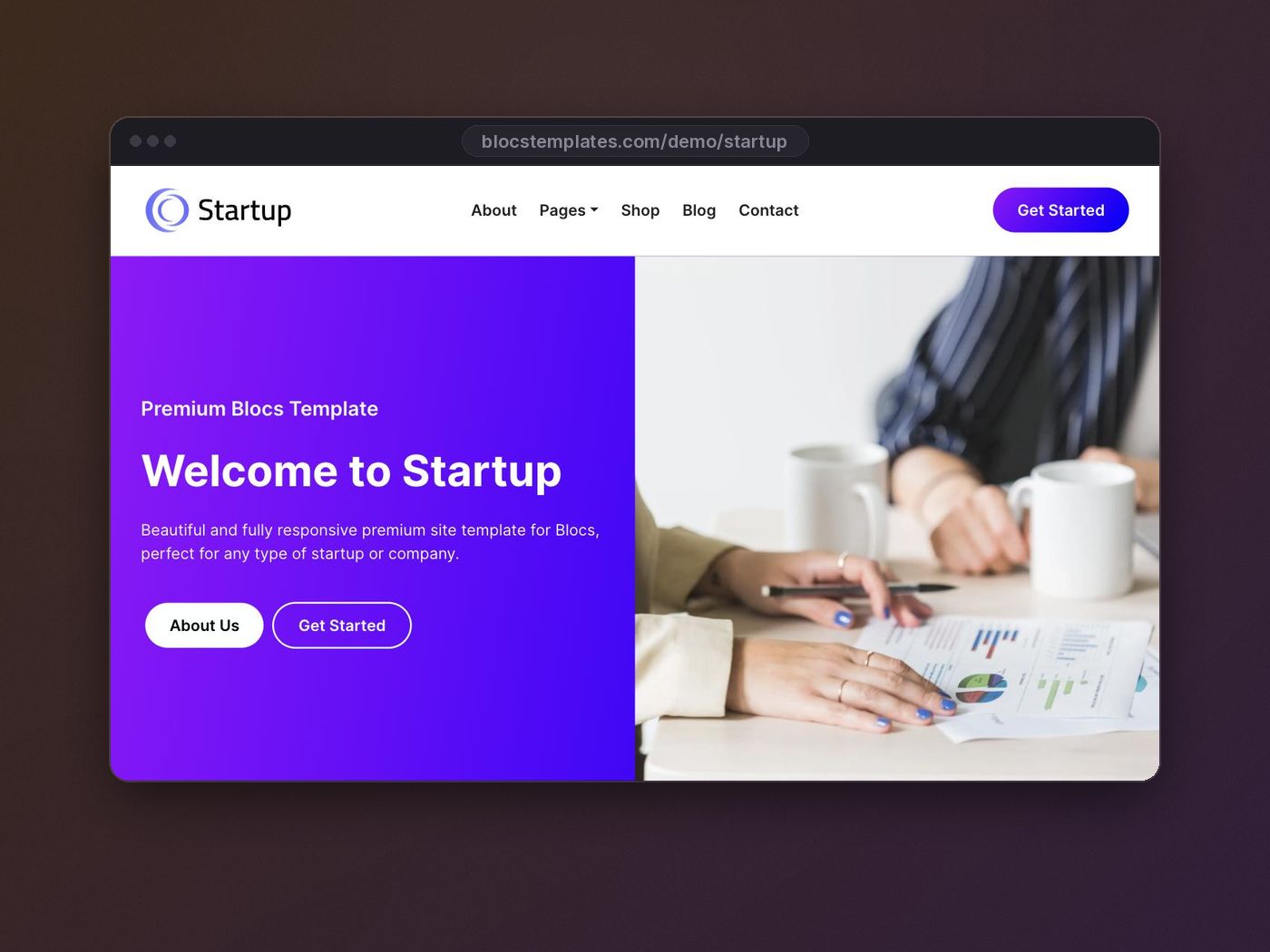
Choose Blocs if you're a Mac user who wants to own the result — a fast site, portable files, no recurring platform tax, and design control that compounds the more sites you build. Start it from a professionally designed template and the time-to-launch argument disappears too: pick the design closest to your project, rebrand it in an afternoon (here's the exact workflow), and publish anywhere.
Your website is your most durable marketing asset. It's worth owning outright.